![con.png]](https://help.contractorcommerce.com/hs-fs/hubfs/con.png?height=50&name=con.png)
Within your store installed on your website, you should see a person icon in the top right corner.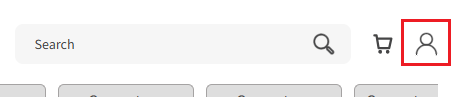
Clicking on this will open a sidebar that allows a user to sign in. If this is their first time signing in, they will need to register. Upon registering, all previous orders made with their email will populate within their profile.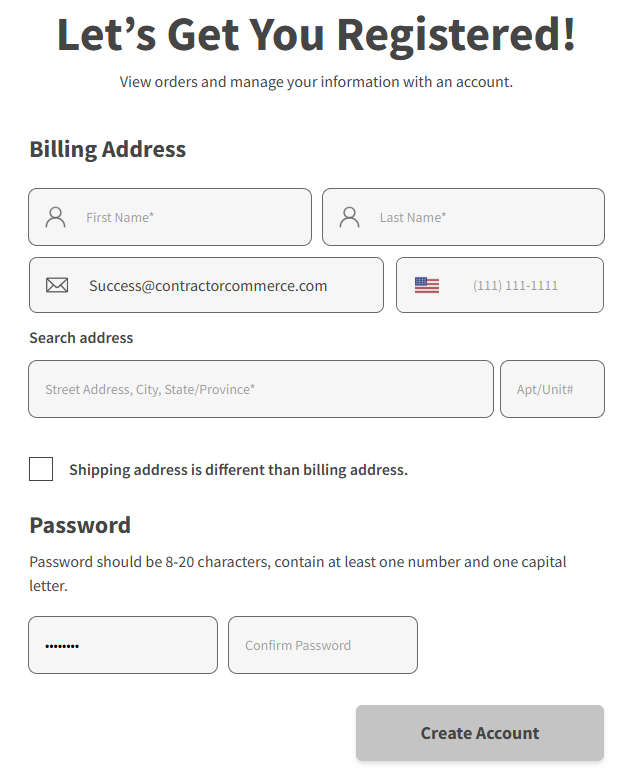
After logging in, they can navigate to the "Subscriptions" section within their profile where the details of their subscriptions (active and inactive) are held.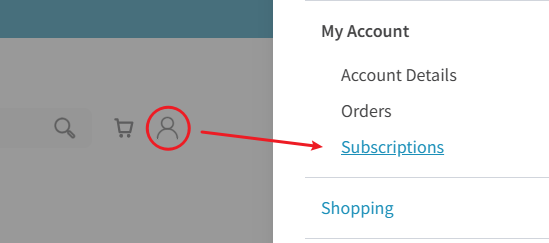
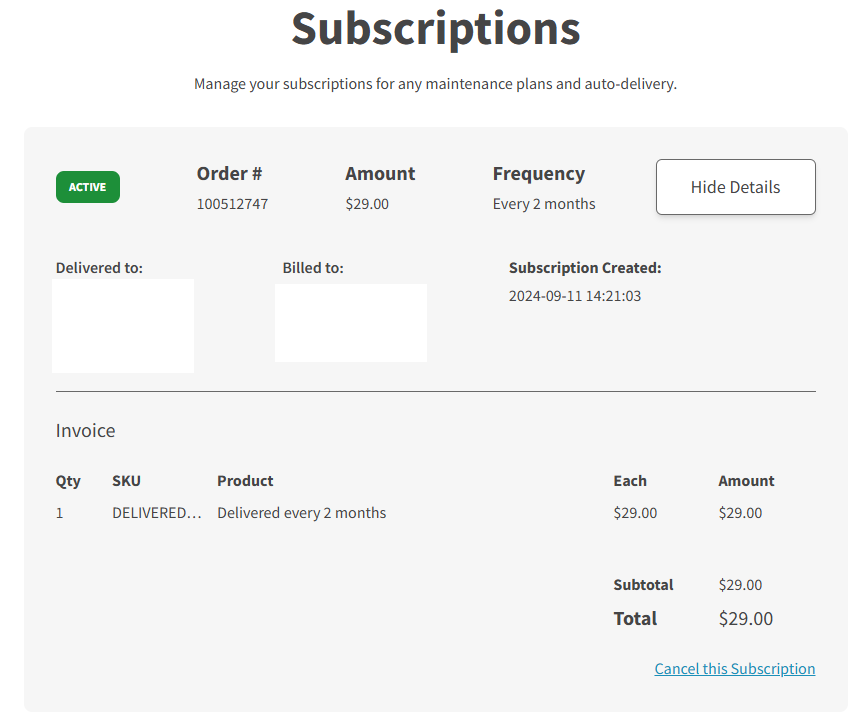
From this page, customers may see the details of their subscriptions, as well as cancel them: